Whitelist an Address
To whitelist a new address:
Navigate to Portfolio in the left sidebar and select the wallet you want to whitelist. Once in the wallet, click the Ellipsis Menu (⋯) and select Whitelist.
Then click + New Address
Whitelist your address by entering the required information for either a Blockchain Address or a BitGo Wallet
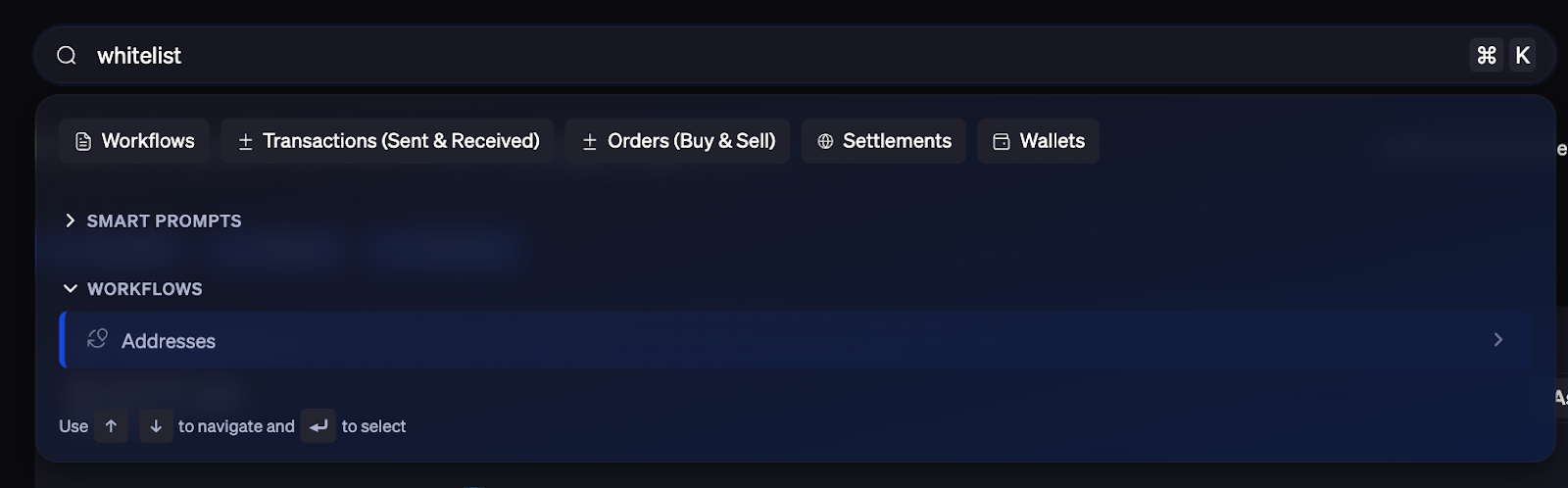
Alternatively, you can also use the Command K search bar at the top of the dashboard to search for Whitelist or Address. The search results will take you directly to the workflow
Was this article helpful?
That’s Great!
Thank you for your feedback
Sorry! We couldn't be helpful
Thank you for your feedback
Feedback sent
We appreciate your effort and will try to fix the article