Change Wallet/Account Password
Self-Custody Hot Wallets
If the wallet creator knows the current wallet password, they can change it using the 'Update Your Wallet Password' option found in the Settings tab of the specific wallet.
Three dots at top right corner > Settings > Forgot Password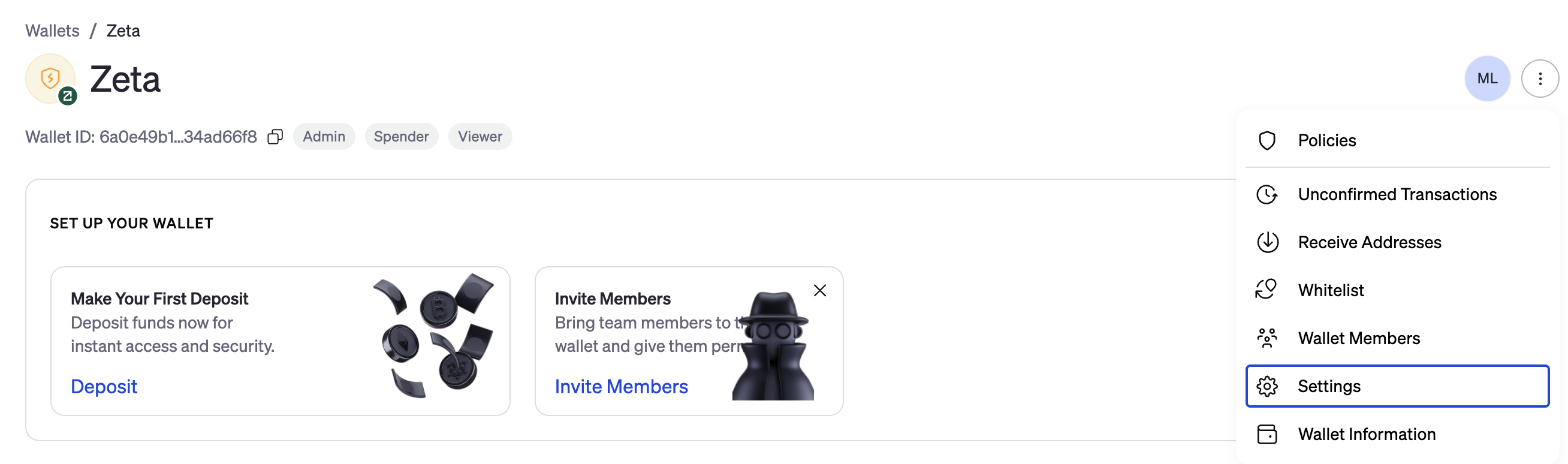
If the wallet password is lost, the creator of the wallet can reset the wallet password using the keycard generated when the wallet was created. This option can be found under the Settings tab of the wallet after choosing the Forgot Wallet Password? hyperlink and following the prompts.
Custody Wallets
A wallet password is not needed to initiate transactions or wallet actions on a custody wallet.
Go Account
If a user has lost their wallet password, they can resync the password with their login password. This option can be found under the Settings tab of the wallet after choosing the Forgot Wallet Password? hyperlink and following the prompts. This should be performed anytime the user's login password has been changed or reset.
Three dots at top right corner > Settings > Forgot Password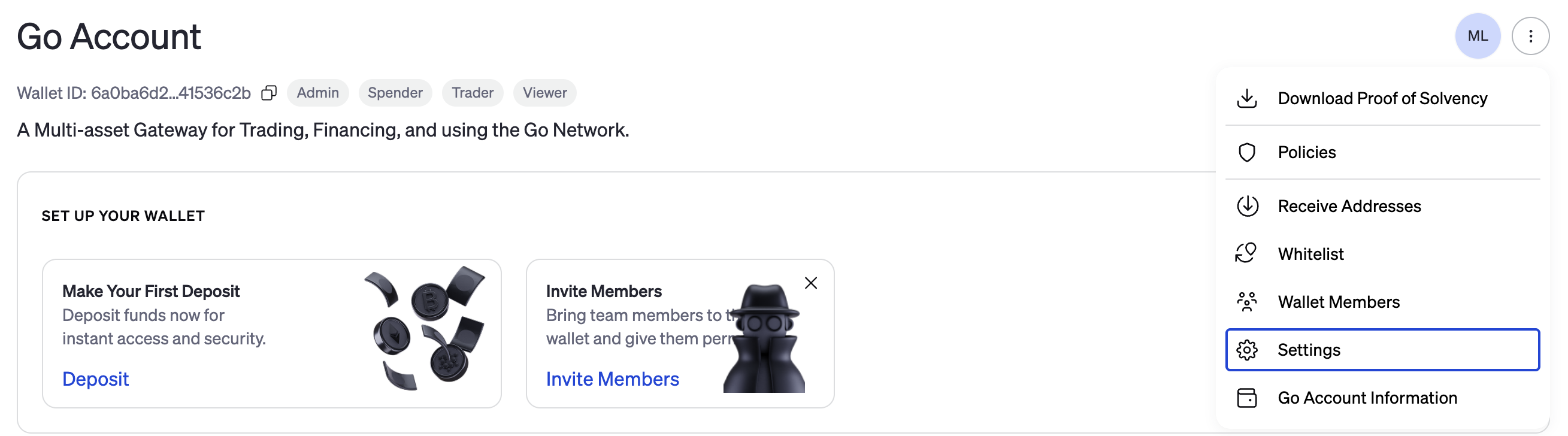
Change Your Login Password
A user's login password can be changed at any time. This can be performed through the User Settings found through the Profile Logo or at the login page using the Forgot Password prompt. The Bitgo Security Change Password dialog will reject new passwords that are not strong enough. Bitgo passwords do not use a set number of letters, numbers, or symbols. The platform security measures the overall strength of the chosen password. A password manager can be used to assist in generating an acceptably strong password.
Open Personal Settings under your profile.
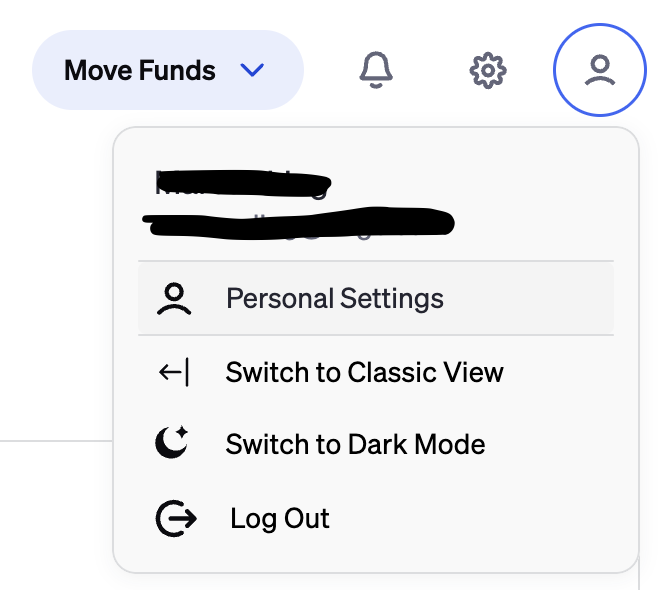
Go to the Authentication tab and click "Update Password"

Note: Changing a login password may affect that user's ability to authenticate transactions or wallet actions.
As you enter a password, the BitGo Security Change Password dialog will advise you as to its strength. As always, BitGo recommends using a password manager to generate and use strong passwords. Ideally, users should not know their login password.
Was this article helpful?
That’s Great!
Thank you for your feedback
Sorry! We couldn't be helpful
Thank you for your feedback
Feedback sent
We appreciate your effort and will try to fix the article